Monday, September 26, 2016

Week 5-Value Drawing


To make these drawings I used the Pen tool as well as the Masking tool and Layers. With the Pen tool I first made the first layer with a middle gray tone. Then as I was continuing I added darker grays to where the shadows hit and lighter grays where the light hit. By using the layers I added the small details and extra lighting at the front. With the masking tool I defined the outline even more giving it a more clean look. 


Wednesday, September 21, 2016

Week 4-TeaPots

For this assignment I also used the brush tool and the tablet to make the pots. The first drawing for each set is a blind contour where the drawing was made by outlining the pots without looking at the results. This tool away the idea of perfection because by not looking at it the focus was brought more on just the shape. For the second drawing it was also contour but this time seeing the drawing was allowed. For this I used the direct select tool to adjust any parts that did not turn out like I wanted it. For the third it was the outline again but this time filling in the shape with lines. With lines it was enough to fill in the empty space and because it's only lines not much detail that it takes away the concept of the shapen of the pots.


Wednesday, September 7, 2016

Week 3- Iconic Objects

I made the objects using the brush tool and a tablet. By using the selection tool I was able to adjust the length of the lines to what I wanted as well as changing the spacing between each of the lines. The main objective was to make sort of a silhouette of an iconic object and for that I only focused on the outline paying no attention to the small details inside. For the teapot I made the whole for the handle to emphasize its shape because without it would of lost its shape. By making the outline it will show that although it is just lines the items are so iconic that just by the outline they are recognizable.


Watch


Telephone


Teapot


Lamp


Soda Cup

Monday, August 29, 2016

Week 2 - Bottles of Lines

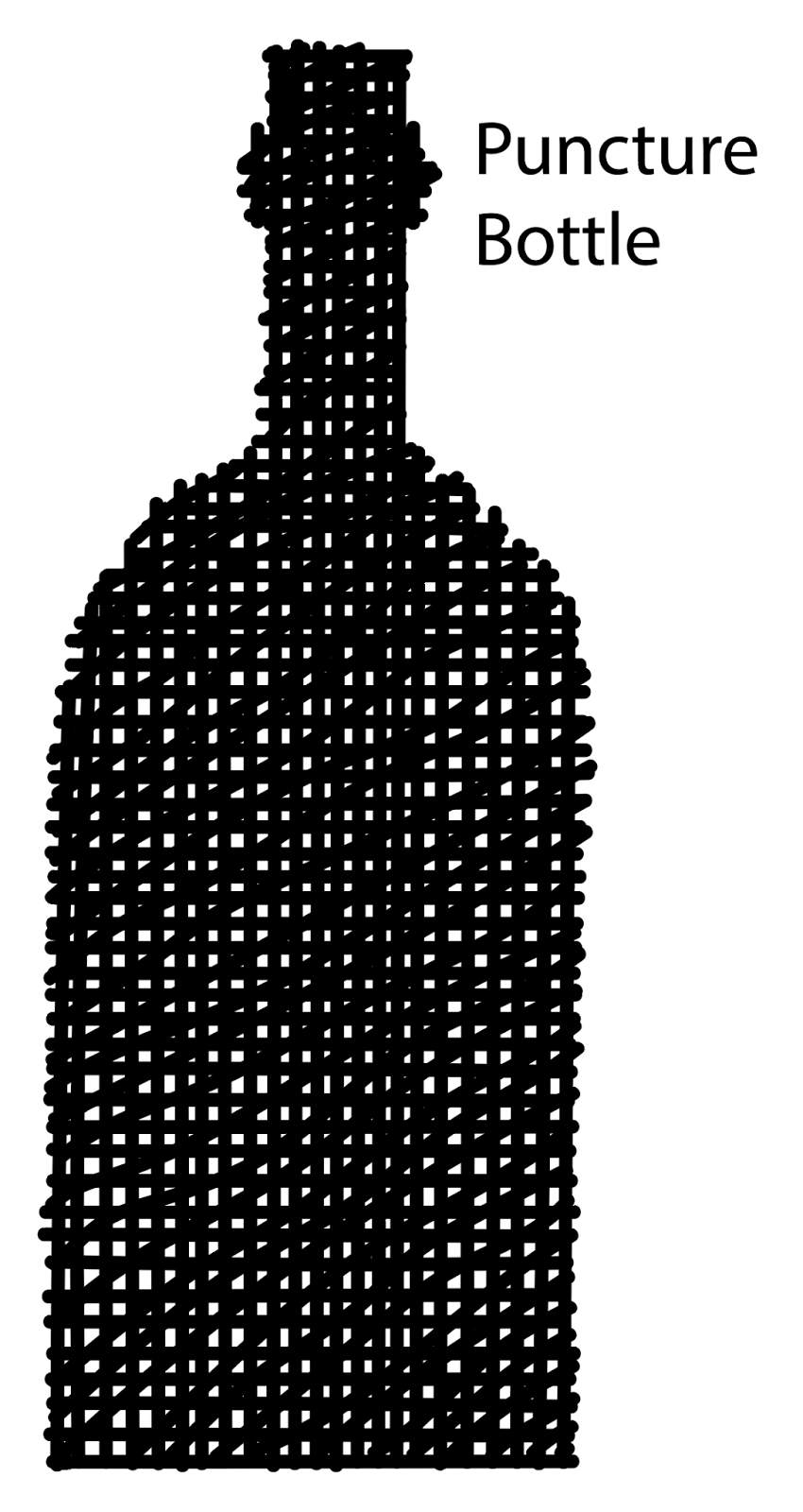
For this project I used the brush tool in Illustrator to draw the bottles with different style of lines. For the first three sets I made the bottles out of horizontal lines where I tried to make sure that they aligned on the edges to give it a cleaner look. The middle one I made really straight lines which helped it look more neat. The first I used the tablet and the third I made it using the mouse tool.  For the second set I made them using vertical lines. Getting the sides of the bottle was easier because of the lines but what I had to focus on this time was the curvature of the top of the bottle. To do this I shifted the lines lower each time around the bottle. As for the bottles made out of diagonal lines I had to shift the lines from both the top, bottom and sides. Depending which direction the lines was going  I has to change how I made it. And for the third of this set I made it using both directions when I made the lines. For the final bottle I made it overlapping all three directions: horizontal, vertical, and diagonal.


Wednesday, August 24, 2016

Week 1

Academic Introduction

Brenda Bueno
Year: Sophomore
Major: Graphic Design
Majored in Digital Media where I learned to use Adobe Illustrator and Photoshop. I have used Blender to make a 3D model during the end of the school year in my senior year in high school